Home
» Software
»
October 2026 Patch Tuesday: How to Check Which Windows Updates Installed
October 2026 Patch Tuesday: How to Check Which Windows Updates Installed
Quick answer: On Windows 11, open Settings > Windows Update > Update history. Expand Quality updates and look for the October 2026 entry and its KB number. Then check Settings > System > About for your Windows version and OS build. As of September 28, 2026, Microsoft has not released the October Patch Tuesday update yet, so no October KB can be confirmed as installed today.
Microsoft schedules its monthly security release for the second Tuesday of the month, which puts October Patch Tuesday on October 13, 2026. The exact packages and KB articles are published with the release, and availability can vary by Windows version, edition, device, and management policy. This guide shows how to verify what is installed without mistaking a download, an offered update, or a restart prompt for a completed installation.
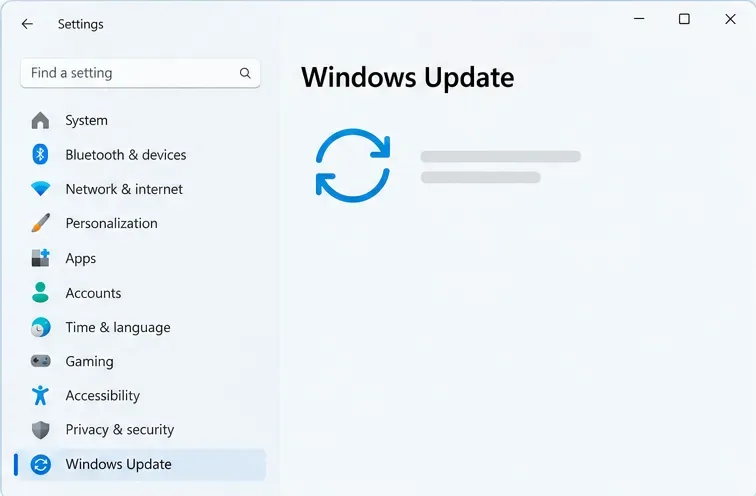
Windows Update is selected in Settings. The page is the starting point for checking the update record.
1. Open Windows Update history
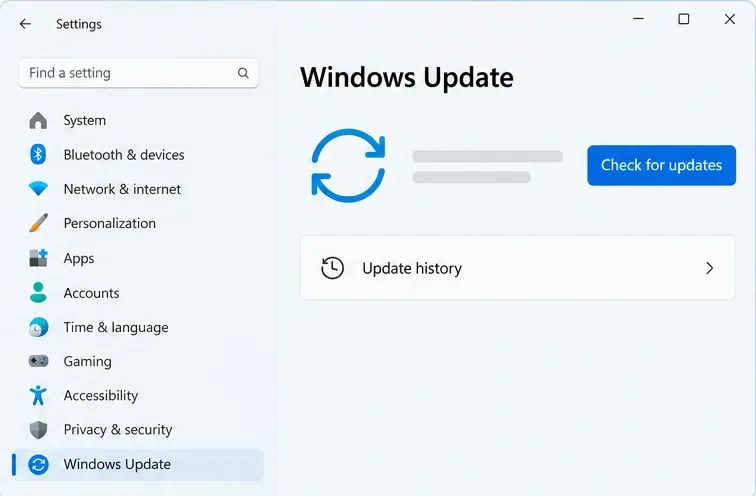
On Windows 11, select Start > Settings > Windows Update > Update history. Microsoft documents Update history as the place to review updates already installed. If you do not see the same layout, use Settings search for “Update history” or select Windows Update in the left navigation first; wording and placement can differ across Windows versions.
The Windows Update page links to Update history. “Check for updates” searches for available updates; it does not by itself confirm an installation.
Windows 10 uses a different path: Start > Settings > Update & Security > Windows Update > View update history. Windows 10 update availability depends on the edition and its servicing or Extended Security Updates status, so do not assume every Windows 10 PC receives the same monthly package.
2. Find the monthly cumulative update
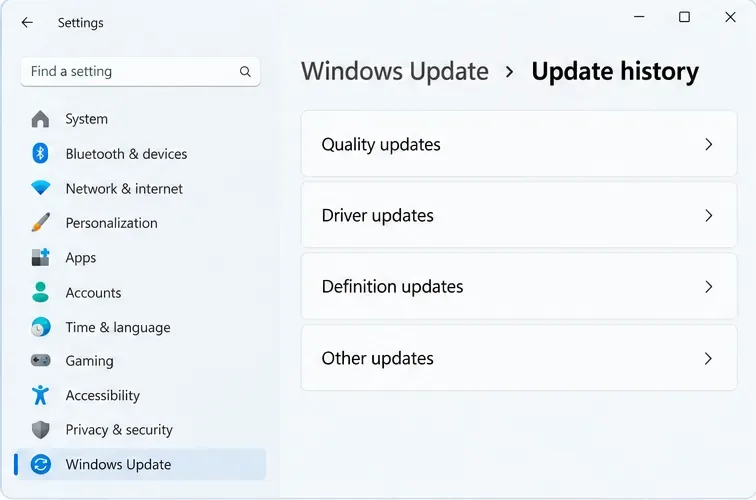
In Update history, expand Quality updates. This is the section to inspect for the monthly security and quality release, commonly called the cumulative update or latest cumulative update. Find the entry dated October 13 or later in the update record, then note the KB identifier and the installation result. If Windows lists an installation failure, a pending restart, or only an available update, the update has not yet been confirmed as successfully installed.
Open Quality updates to inspect monthly Windows updates; the other categories record drivers, security intelligence, and additional update types.
Do not search only the entire history for “October.” Windows records multiple update types, and a driver, Defender security-intelligence update, or configuration change is not the same thing as the monthly Windows security update. The published entry should match the product and Windows version on your device.
3. Verify the version and build
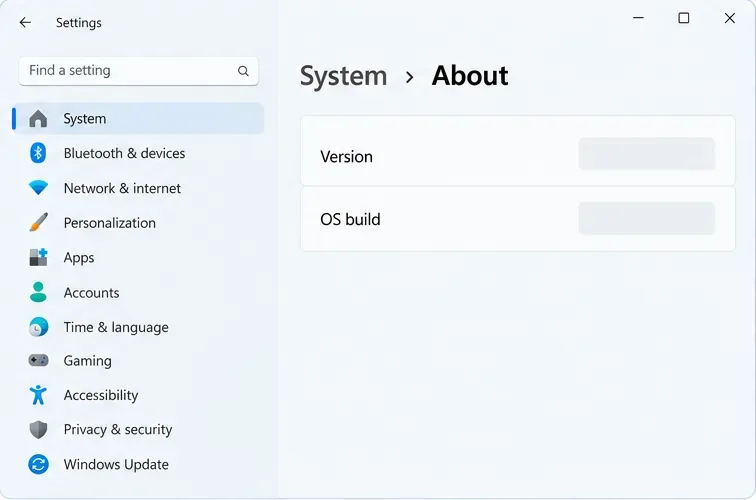
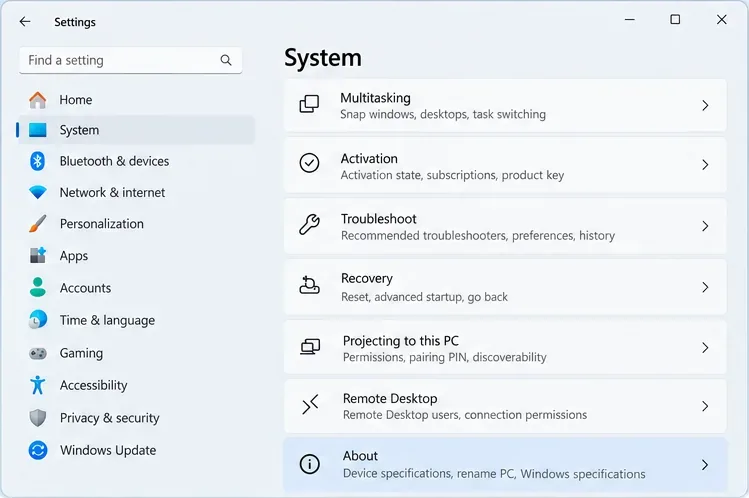
Open Settings > System > About and read the Windows edition, version, and OS build. The build is a useful cross-check: after the update installs and the required restart completes, compare your installed version and build with the Microsoft release notes for that exact Windows version. If you are helping support staff or documenting a device, record the edition, version, build, KB number, result, and date together.
About shows the installed Windows version and OS build. Compare both with the release notes for the matching version.
For Windows 11, use Microsoft’s release-information page and choose the matching version; Windows 10 has a separate release-information page. The same KB can have different OS build numbers across Windows releases, so a build from another version is not a valid comparison.
What to expect from October 2026
At the time of writing, the official release notes for October Patch Tuesday are not available. Microsoft’s Windows Message Center says that beginning in October 2026, Windows quality updates will start enabling memory integrity on more eligible devices. The rollout is gradual: eligibility, hardware readiness, compatibility, performance considerations, and existing administrator or user settings affect whether a device receives or enables the protection. Therefore, seeing the feature turned on—or not seeing it yet—is not a substitute for checking the October KB entry in Update history.
When Microsoft publishes the October package, first match its KB article to your version of Windows. Then check Update history after Windows Update reports completion and after you restart if prompted. The September non-security preview and the October monthly security update are separate releases; an installed September preview does not prove that the October Patch Tuesday update is installed.
If the October entry is missing
Check the date and status. An update that is still downloading, installing, or waiting for a restart may not yet appear as a completed success.
Restart if Windows asks you to. After the restart, reopen Update history and check the Quality updates section again.
Check the correct Windows version. Compare your edition and version under About with the product named in Microsoft’s KB article. Updates are not necessarily offered to every device at the same time.
Check the device’s update channel. A work or school PC may be managed through Windows Update for Business, Intune, Configuration Manager, or WSUS; deployment timing and policy can differ from a personal PC.
Use the official troubleshooter if installation failed. Microsoft’s Windows Update troubleshooter is a sensible next step. Capture the error code before trying advanced repair commands.
Microsoft’s guidance notes that an update confirmation can be delayed or encounter technical issues in some contexts. A missing history row is a reason to investigate, not proof on its own that the PC is vulnerable or that Windows ignored every update. Check the status, restart state, version, and any management policy before changing settings.
Optional: check a KB with PowerShell
For a quick secondary check, open PowerShell and run Get-HotFix. To search for a known KB, use Get-HotFix -Id KB1234567, replacing the example with the real KB from Microsoft’s article. This is an optional administrative check, not the best complete inventory: Microsoft documents that Get-HotFix uses the Win32_QuickFixEngineering class and does not return every update type. If the command returns nothing, verify in Settings Update history and the matching release notes before concluding the package is absent.
How to judge the result
What you see
What it tells you
Next check
October KB listed under Quality updates as successfully installed
Windows records the monthly update installation
Confirm the matching version and build under About
Update offered or installation in progress
It is not yet a completed installation
Wait for completion, restart if prompted, then refresh history
Failure status or error code
The attempt did not complete normally
Record the code and run Microsoft’s troubleshooter
No October entry before October 13, 2026
The October Patch Tuesday release is not yet expected
Check again after Microsoft publishes that month’s release
No entry after release day
Could reflect staged availability, policy, compatibility, or installation trouble
Match the KB to your exact edition/version and check management policy
The strongest practical confirmation is a successful October entry in Update history paired with the expected version/build for your Windows release. The build comparison helps catch mismatches, while Update history identifies the package and its recorded result. Neither check guarantees that every optional component or gradual feature rollout is active on every device.